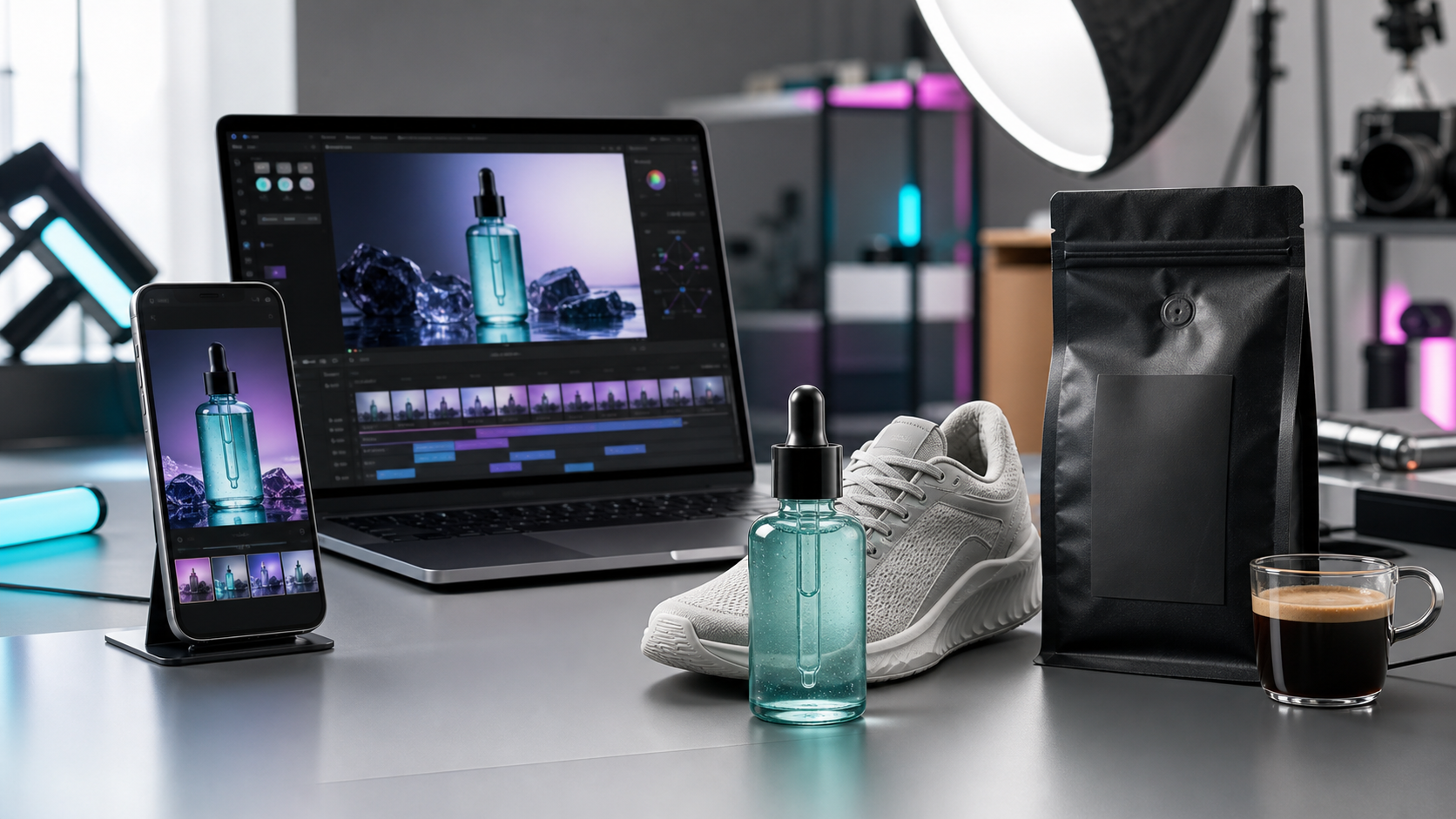
AI Product Video for Shopify: 2026 Workflow
A practical workflow for Shopify merchants using AI product video to turn product photos into short-form ads, PDP clips, and agentic commerce-ready creative.
July 9, 2026
TLDR
Shopify brands need more than polished product photos in 2026. AI shopping assistants, social commerce feeds, and short-form ads all reward product creative that is clear, fast to test, and easy to adapt. The highest-intent workflow is simple: start with one strong product image, generate several product video angles, test them across paid social and product pages, then keep the winners in rotation.
Lyvia helps ecommerce teams turn product assets into short-form creative without booking a shoot, hiring a creator for every SKU, or learning prompt-heavy video tools.
Why Shopify Creative Is Moving Toward AI Video
Shopify merchants are being pulled into a new commerce pattern: product discovery is happening across social feeds, marketplace-style surfaces, and AI shopping conversations. Shopify has publicly described its direction as connecting merchants into more AI-powered shopping experiences, including partnerships around agentic commerce and conversational discovery.
That matters because these surfaces need better product context than a static packshot can usually provide. A product page image may answer "what is it?" A short product video can answer "how does it look in use?", "who is it for?", and "why should I care now?"
Recent platform moves point in the same direction:
- Shopify is positioning merchants for AI-assisted shopping and agentic commerce experiences, where products can surface inside AI conversations and automated shopping flows. See Shopify's announcement on its agentic commerce platform.
- Google has been expanding AI-powered shopping and merchant creative tooling, including Product Studio for product image generation and editing.
- TikTok continues to invest in AI-assisted ad production through TikTok Symphony, a signal that creative volume and testing speed are now core ad advantages.
The takeaway for Shopify sellers: your creative system needs to produce more variants, not just prettier one-off assets.
The Best Keyword Opportunity: AI Product Video Generator for Shopify
"AI product video generator for Shopify" is a high-intent search because the person behind it usually has an immediate production problem:
- They already sell products online.
- They need video ads or product-page clips.
- They want a faster alternative to agencies, studios, or UGC creator coordination.
- They likely care about Shopify exports, TikTok ads, Meta ads, and reusable catalog creative.
That makes the topic more commercial than a broad query like "AI video generator." It speaks to a merchant who has SKUs, photos, and ad pressure right now.
A Practical Shopify AI Video Workflow
Use this workflow when you have a product photo, a Shopify store, and a campaign deadline.
1. Pick One SKU With Clear Purchase Intent
Start with a product that already has demand: a bestseller, a high-margin bundle, or a product with solid add-to-cart behavior but weak ad performance. AI video is most useful when it amplifies something customers already want.
Do not start by generating videos for the whole catalog. Pick one product and prove a repeatable creative pattern first.
2. Prepare Product Assets
Gather:
- One clean hero product photo.
- Two to four supporting angles.
- Existing product page copy.
- Top customer objections from reviews, support tickets, or comments.
- A short list of benefits that can be shown visually.
For example, a skincare brand might turn "lightweight gel texture" into a close-up application shot, while a sneaker brand might turn "daily comfort" into walking and outfit clips.
3. Generate Three Creative Angles
One AI product video is rarely enough. Generate at least three angles:
| Angle | Best For | Example |
|---|---|---|
| Product demo | PDP video, retargeting | Show the item being opened, applied, worn, or used |
| Lifestyle scene | Paid social prospecting | Place the product in a realistic daily moment |
| Offer or bundle creative | Sale campaign | Show multiple products together with a clear purchase reason |
The goal is not to guess the perfect video. The goal is to create enough good variants that the market can tell you which one works.
4. Export for Each Placement
Most Shopify brands need the same creative idea in multiple shapes:
- 9:16 for TikTok, Instagram Reels, YouTube Shorts, and vertical ads.
- 1:1 or 4:5 for Meta feed placements.
- 16:9 or embedded short clips for product detail pages.
Keep the product visually central, avoid tiny text, and make the first second understandable without sound. If the video only makes sense after five seconds, it is too slow for paid social.
5. Test, Then Reuse Winners
Measure creative performance by placement:
- Thumb-stop rate or hook rate for paid social.
- Click-through rate for product discovery ads.
- Add-to-cart rate for product page video.
- Cost per purchase for campaign-level decisions.
When one angle wins, generate sibling variants: different background, model, camera movement, opening frame, or seasonal context. This is where AI video compounds. You are not starting over; you are extending a proven creative direction.
Where Lyvia Fits
Lyvia is built for ecommerce creative teams that want product videos without a full production cycle. Instead of coordinating a shoot for every new angle, you can use Lyvia to turn product assets into polished short-form creative for Shopify, TikTok, Meta, and marketplace campaigns.
For Shopify brands, the practical advantages are:
- Faster creative testing from existing product photos.
- More video variants per SKU.
- Reusable visual directions for PDPs, ads, launches, and seasonal campaigns.
- Less dependence on one creator, one shoot day, or one agency queue.
Use Lyvia when you need product video volume, but still want the output to feel like brand creative rather than a generic slideshow.
A Simple 7-Day Plan
Here is a realistic first week:
| Day | Action |
|---|---|
| 1 | Choose one SKU and collect product assets |
| 2 | Generate three AI product video angles |
| 3 | Export vertical and square versions |
| 4 | Add the best demo clip to the Shopify product page |
| 5 | Launch low-budget tests on TikTok or Meta |
| 6 | Review hook rate, CTR, and add-to-cart behavior |
| 7 | Generate five new variants from the best-performing angle |
After one week, you should know which message and visual context deserves more spend.
Start With One Product, Not the Whole Catalog
The fastest way to make AI video useful is to treat it like a creative testing system. Pick one Shopify product, generate several clear video variants, publish them where buyers already discover you, and let performance data guide the next batch.
Create your first ecommerce video workflow at lyvia.art.