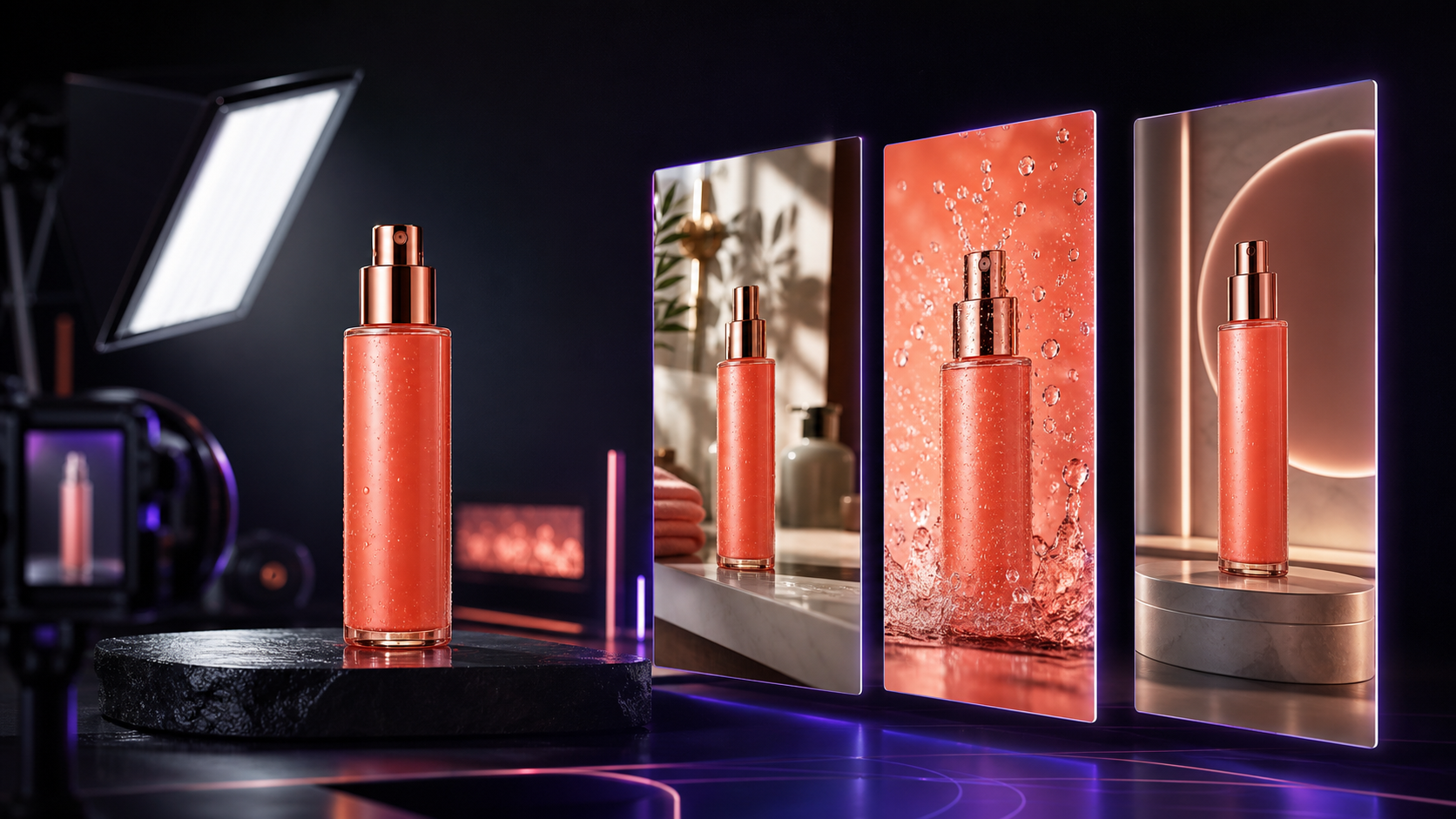
Google Product Studio Alternative for Product Video
Compare Google Product Studio alternatives for ecommerce video and build a repeatable workflow for creating, testing, and scaling product ads.
July 10, 2026
Google Product Studio makes AI-assisted product imagery and video easier to access inside Merchant Center. But ecommerce teams rarely publish to only one destination. A useful Google Product Studio alternative should help you move from one product image to multiple creative concepts, formats, and channels—not simply produce one more catalog asset.
This guide explains where Product Studio fits, when an alternative makes sense, and how to build an AI product-video workflow that still includes human review.
TLDR
- Google Product Studio is a convenient choice when your catalog already lives in Merchant Center and your main goal is creating assets for Google's commerce surfaces.
- Google's current documentation says Product Studio can create and enhance product images, animate images, and generate product videos. However, its dedicated Generate Video feature is currently limited to merchants in Australia, Canada, India, Japan, the UK, and the US.
- Look for an alternative when you need broader model choice, more direct creative control, production for several social and marketplace channels, or faster variation testing.
- Start with one clean product image, create concepts around different buyer objections, generate several controlled variations, and review product accuracy before publishing.
- Lyvia is a practical option for teams that want image and video creation in one browser-based creative workspace.
What Google Product Studio Does Well
Product Studio is part of Google Merchant Center. According to Google's Product Studio overview, merchants can use its generative-AI tools to change or remove backgrounds, increase image resolution, create images, animate images, and generate videos. Saved assets can become eligible for use across Google surfaces that consume Merchant Center feed data.
That integration is the core advantage. If your product data, brand settings, and campaign workflow already revolve around Merchant Center, reducing the distance between catalog and creative is valuable.
Google also recommends beginning with a single clear main product. That is good advice regardless of the tool: a clean, well-lit source image gives a model fewer opportunities to confuse the subject with props, packaging, or the background.
Product Studio is not designed to be every brand's complete creative-production system. Google's video-generation documentation describes a theme-led workflow that combines product images, optional text, music, brand colors, and a selected orientation. That workflow can be efficient, but an agency or growth team may need more control over the actual scene, motion, model, or sequence of shots.
There is also a practical availability consideration. Google currently lists the Generate Video feature for merchants based in Australia, Canada, India, Japan, the UK, and the US. Teams outside those markets may need another route for product-video generation even if they use Merchant Center for listings.
When to Consider a Google Product Studio Alternative
The right question is not “Which tool has the longest feature list?” It is “Where does our creative workflow break?” Consider an alternative when one or more of these constraints apply.
You publish beyond Google
A product video may need to work as a vertical social ad, an organic Reel, a TikTok Shop creative, a marketplace asset, a landing-page visual, and a client proof. A channel-neutral workspace lets you create the master concept first and adapt it to each placement afterward.
This matters because distribution requirements change. Google itself advises merchants to choose horizontal, vertical, or square orientation based on where the video will appear. An efficient workflow plans those outputs before generation instead of awkwardly cropping a finished video.
You need concept variation, not just asset variation
Changing a background is an asset variation. Changing the reason a shopper should care is a concept variation.
For example, one skincare product could support several distinct creative angles:
- Texture and sensory appeal
- A simple morning-routine scene
- Premium ingredients and packaging
- Travel convenience
- A product demonstration or close-up reveal
Testing those angles is usually more informative than generating five nearly identical camera moves. Your chosen tool should make it easy to keep the product consistent while changing the scene and message.
You want to choose the generation model
Different AI models can behave differently with product fidelity, camera motion, prompt adherence, people, typography, or speed. A model-agnostic workspace can help creative teams choose the engine for the shot instead of forcing every brief through one system.
Model choice is not automatically better, though. It only helps when the interface makes costs, duration, inputs, and capabilities understandable. Otherwise, it becomes another layer of production friction.
Your team needs an approval loop
AI generation is not the final quality-control step. Ecommerce teams should inspect packaging shape, colors, labels, proportions, moving parts, shadows, and product claims before an asset goes live. The best alternative is the one that fits a repeatable review process—not necessarily the one that produces the most outputs.
A Practical Product-Video Workflow
Use this workflow whether you choose Lyvia, Product Studio, or another AI creative platform.
1. Prepare a trustworthy source image
Choose a high-resolution image with one obvious hero product. Avoid hands covering important features, busy collages, severe reflections, and tiny packaging text. Keep the original file nearby so reviewers can compare it with every generated frame.
If your product has multiple sides or important details, gather extra reference images. Do not expect a model to infer a pump mechanism, clasp, label, or sole pattern it has never seen.
2. Write one creative hypothesis
Do not begin with “make a cool ad.” Begin with a specific idea you can evaluate:
Showing the compact bottle in a realistic travel routine will make portability immediately understandable.
Then turn that hypothesis into a short shot brief:
- Subject: the exact product and its defining details
- Setting: where the product appears
- Action: what moves and what stays fixed
- Camera: close-up, orbit, push-in, or locked shot
- Mood: lighting, pace, and material cues
- Constraint: which product details must not change
This is both a generation prompt and a review checklist.
3. Build a stable keyframe first
For product-led video, a strong still image can be more controllable than generating an entire scene from text. Create or select the keyframe, check product fidelity, and only then animate it. Google's Product Studio follows a similar principle in its image-animation workflow: the merchant selects or uploads an image before generating motion.
Keep your first motion brief simple. A slow camera push, subtle product turn, controlled fabric movement, or a small environmental effect is easier to validate than several simultaneous actions.
4. Generate controlled variations
Change one variable at a time. For example:
- Keep the scene and product fixed; test three camera moves.
- Keep the best camera move; test three opening compositions.
- Keep the winning visual; test hooks, captions, or voiceover in your editor or ad platform.
This approach tells you what caused a result. Randomly changing the setting, camera, pacing, product angle, and copy in every version may create variety, but it produces little usable learning.
5. Review product truth before visual polish
Pause on the opening, middle, and final frames. Compare each against the source product. Check:
- Silhouette, cap, buttons, seams, and closures
- Logo placement and packaging colors
- Material behavior and reflections
- Number and position of product components
- Any visible text or implied performance claim
Reject an attractive generation if it misrepresents what the customer will receive. For regulated or sensitive product categories, also review the policies of the destination platform. Google's documentation, for example, excludes certain regulated goods from Product Studio creation features.
6. Export for the placement
Preserve a clean master without baked-in platform UI. Then create the required aspect ratios and safe zones for each destination. Add readable captions, a clear offer, and a channel-appropriate CTA during finishing.
Finally, name files by product, concept, format, and version. A simple pattern such as serum-travel-routine-vertical-v03 makes later performance analysis much easier than a folder full of “final-final-2” exports.
Product Studio vs. Lyvia: How to Choose
Choose Product Studio when you want a Merchant Center-native workflow and Google's available templates cover the job. It is especially convenient for enhancing catalog imagery and producing assets closely connected to your Google product feed.
Consider Lyvia when you want a broader AI creative workspace for generating images and videos, exploring different video models, and developing assets intended to travel across channels. Lyvia's web app brings product-image preparation and image-to-video experimentation into the same production environment, which can reduce handoffs between disconnected tools.
These tools can also complement each other. A merchant could use Product Studio for feed-ready Google assets and Lyvia for concept exploration or creative production aimed at social campaigns. The best stack is the smallest one that reliably moves a product from source image to approved, measurable creative.
Questions to Ask Before Choosing Any Alternative
Run a real product through each shortlisted tool and answer these questions:
- Does the output preserve the product closely enough for advertising?
- Can we control aspect ratio, duration, motion, and reference inputs?
- Can the team understand generation cost before clicking?
- Can we reproduce a successful concept for another SKU?
- Does the workflow support human review and organized exports?
- Are the usage terms appropriate for our commercial campaign?
- Can the resulting asset move across the channels we actually use?
A polished demo is not enough. The winning tool should remain useful on the tenth SKU and the fiftieth variation.
Create Your Next Product-Video Concept
The most valuable Google Product Studio alternative is not simply another video generator. It is a workflow that helps your team turn a clear marketing hypothesis into accurate product creative, learn from variations, and publish across the channels that matter.
Try Lyvia at lyvia.art and build your next product-video concept from the assets you already have.